

Have you ever worried that updating your device could put your data in danger? It’s like forgetting to save your game progress before a tough level.
In this post, we show you how to update your device firmware safely. We break down simple steps so you can check updates and block harmful code without stress.
Let’s dive in and learn secure, smooth update methods that work as reliably as picking your favorite trusted item from the store.
Secure Firmware Update Workflow for Devices
Updating your device’s firmware safely is really important, especially since many breaches involve IoT devices. Here’s a friendly, step-by-step guide to help protect your device while keeping the update process smooth.
-
Prepare device
Before you start, back up any important data and make sure your device has a steady power supply or a strong battery life. Think of it like saving your game progress before a tricky level. This way, you’re ready if anything unexpected happens. -
Download update
Always get your firmware updates directly from the official vendor’s website. Check the digital signatures to be sure the update is genuine and hasn’t been tampered with. It’s like picking up a trusted item from your favorite store, safe and authentic. -
Install update
Pick an installation method that works best for your device. You might use a USB drive, an SD card, or even update over the air if your device supports it. Each method comes with built-in safety steps to keep the update process under control. -
Verify installation
Once the update is installed, double-check that your firmware version is correct by running integrity tests like checksums or hashes. This final check acts like a quality control review to make sure everything went as planned. -
Post-update testing
After updating, run functional tests and security scans to catch any odd behavior or issues. Always have a backup plan by keeping previous firmware versions handy, so you can easily revert if needed. Using smart management tools can even help automate these tasks and reduce mistakes.
Authenticating Firmware Sources for Secure Device Updates
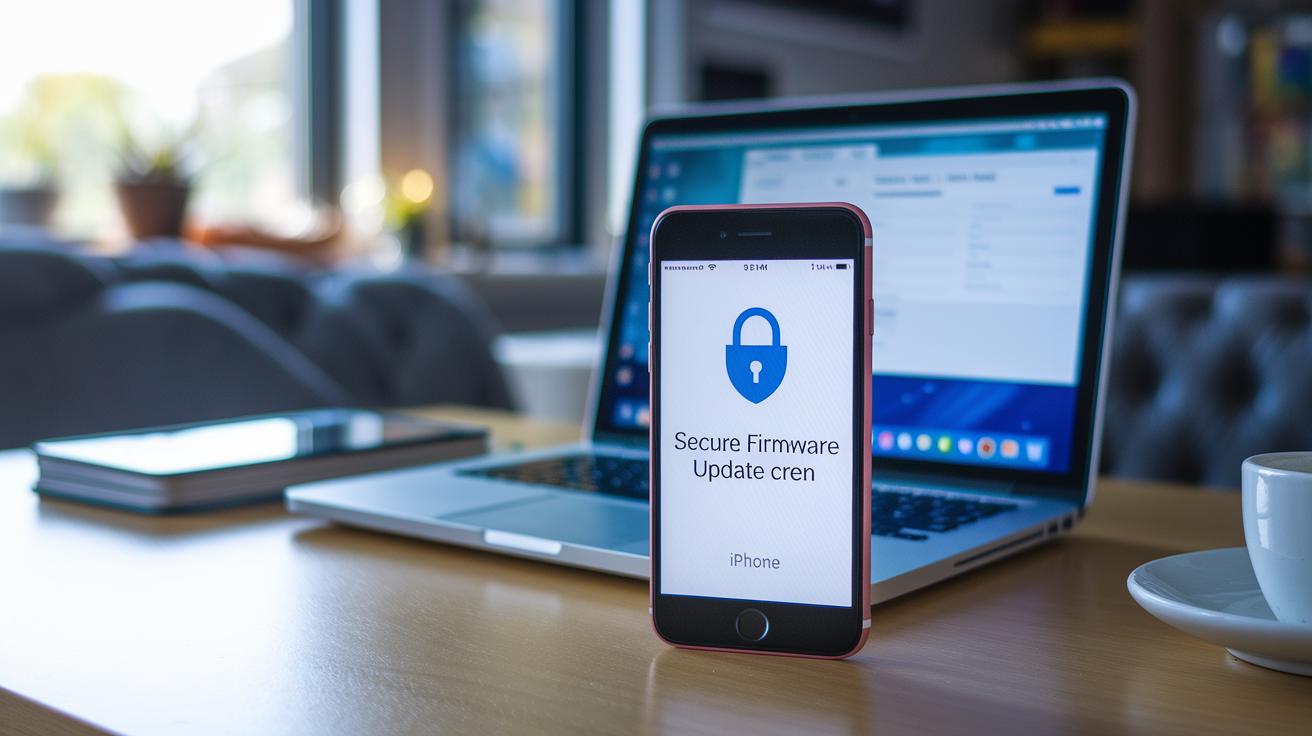
When you update your device, make sure the firmware comes from trusted sources. Using updates from unknown places can let harmful code sneak into your device, much like buying a mystery package from a stranger. Always download firmware from official vendor portals or signed repositories. It’s like shopping at your favorite store, you know what you’re getting, and you avoid surprises.
Stick with authenticated download methods that check the file really is what the vendor intended. This simple step stops tampering and protects against someone sneaking in bad code during the update.
You can boost security even more with extra checks. For example, use digital signatures with common cryptographic methods like RSA or ECDSA (these are ways to scramble data so only the right people can read it). Also, certificate-based authentication helps confirm the file hasn’t been altered. Patch validation, along with anti-rollback measures, makes sure your device won’t slip back to an older, less safe version.
Plus, secure update channels use encrypted delivery methods like HTTPS or TLS to keep the data safe as it travels. These practices not only protect your device but also help meet legal rules such as GDPR or HIPAA, giving you extra peace of mind that your updates are secure and reliable.
Secure OTA Firmware Installation and Local Update Options
Secure OTA Firmware Updates
OTA updates make it simple to update your device firmware. Large packages travel over Wi-Fi, while low-power sensors might use Bluetooth or a mix of networks. These updates use full encryption and mutual authentication between your device and the server. It’s like sending a locked box through a trusted courier so only the right recipient can open it. Plus, updates can be released to a small group first. This helps spot any issues early before rolling out to everyone.
Local Installation via USB/SD
Some devices still update manually via USB or SD card. When flashing, it’s key to check digital signatures and verify integrity with hashing methods, much like checking a package seal before you open it. Secure Boot only lets vendor-signed firmware run, which stops any unauthorized code. Also, with multifactor authentication on the update console, remote access is kept at bay. Whether updating online or manually, every update is protected by several safety layers, ensuring each change is genuine and secure.
Pre-Deployment Testing, Staging, and Rollback Strategies for Firmware Updates

In controlled lab environments, try out firmware updates using device emulators and stress tests. This hands-on approach helps you spot any compatibility issues or security gaps before you roll out changes in the real world. Think of it like a dress rehearsal before a big performance. You can also try delta updates, which send only the parts that have changed, saving both bandwidth and battery. And don’t forget to document these tests, as it sets a strong base for safe updates.
Rolling out updates gradually can really cut down on risks. Start with just 5 to 10% of your devices and watch them closely. This small pilot run lets you catch any issues that might affect a larger group later on. With clear notes on performance and feedback from this test phase, you can tweak things before the full launch. A little hiccup in a small group can prevent bigger problems down the road.
Having a solid rollback strategy is key to keeping everything secure. Keep an automated archive of your past firmware versions so you can quickly revert if something critical goes wrong. This backup plan means less downtime and stronger device security. Regularly update your rollback methods based on real performance data to handle surprises fast. By mixing thorough testing, gradual rollouts, and speedy recoveries, you create an update process that keeps your devices safe and running smoothly.
Monitoring, Troubleshooting, and Security Validation Post-Firmware Update
After a firmware update, it's important to watch how your device behaves. Check your device logs for any error codes, broken sessions, or performance drops. You can also set up alerts on your management dashboard to catch odd events, like reboot loops or failed handshakes. For example, if you see a log saying "Reboot initiated unexpectedly at 03:15 AM," that might mean there's an issue. These steps give you real-time feedback, so you can quickly spot and fix problems.
When troubleshooting, using secure remote diagnostic tools can make a big difference. These tools help you investigate firmware issues without putting your devices at extra risk. Take a moment to confirm that your security settings, like firewall rules, encryption (which scrambles your data so only those with permission can read it), and Secure Boot, are still in place. A simple test, such as verifying that Secure Boot only accepts approved updates, is an easy way to ensure everything is secure. Also, don’t forget to run regular audits. These routine checks help you make sure your firmware updates keep meeting both regulatory and internal security standards, keeping your digital systems resilient against new threats.
Final Words
In the action, this post unpacked key steps for a secure firmware update workflow. We explored preparing devices, authenticating updates, and choosing between OTA and local installations. Testing, staging, rollback steps, and monitoring were discussed to keep your digital presence safe.
Each stage reinforces practical tips on how to update device firmware securely. With clear measures and built-in safeguards, updating your devices becomes a reliable, manageable task that strengthens your privacy and overall cybersecurity.
FAQ
Frequently Asked Questions
How to update device firmware securely on Windows 10?
The steps for updating firmware on Windows 10 involve backing up your data, obtaining updates from a trusted vendor, verifying digital signatures, ensuring stable power, and confirming the update with version checks.
How to update device firmware securely on Android?
The approach to updating firmware on Android calls for downloading the update from a verified source, checking the digital signature, using a secure network for installation, and running post-update tests to confirm success.
How do you update firmware on Windows 11?
The process on Windows 11 mirrors other platforms—backup data first, download the firmware through official channels, verify its integrity with digital signatures, install securely, and check that the correct version is installed.
What is a firmware update for Android?
A firmware update for Android is a package that controls your device’s hardware. It comes from an authorized source and usually provides security improvements and better performance.
What is secure firmware update?
A secure firmware update means installing firmware only from trusted sources, using encrypted downloads and digital signature checks to guarantee the integrity and authenticity of the software.
Is it safe to update system firmware?
The update is safe when you use firmware from official vendor portals, follow a secure installation workflow, back up your data, and verify the update through digital signature confirmation and post-update testing.
What are the risks of updating firmware?
The risks include the chance of installation failures, data loss, or security vulnerabilities if updates are obtained from unofficial sources without proper verification. Careful backup and validation are key.
How do you update your device firmware?
The overall process to update device firmware involves backing up your data, obtaining the update from an authenticated source, verifying the digital signature, installing over a secure channel, and confirming proper installation.