

Have you ever wondered if your online accounts are truly safe? Extra security checks work like adding a second lock to your door. Relying on one password may not be enough to trick a clever hacker.
Think of each security step as a piece of a puzzle that fits together perfectly to block unwanted access. This guide shows you how mixing different checks makes your login much stronger, even if one part fails. When you combine these methods, you create a strong shield for your digital life.
Authentication Factors Overview for Login Security
Authentication factors are like different pieces of a puzzle that help prove you are really you. They serve as the first barrier against unwanted access to our digital spaces. Instead of banking on one single proof such as a password, using multiple pieces of evidence helps keep intruders at bay.
Multi-factor authentication mixes these different checks to make it much tougher for hackers. Think of it like having a double lock on your door. Even if someone figures out your password, a second step stops them from getting in.
| Factor Type | Examples |
|---|---|
| Knowledge | Passwords, PINs |
| Possession | Hardware tokens, Mobile OTP |
| Inherence | Fingerprints, Facial recognition |
Adding another layer of verification makes it much harder for attackers to break in. If one factor is compromised, the second step still protects your account. This layered approach means there's no single point of failure, making the whole system stronger.
By combining these various factors, organizations can boost their login security and help everyone feel safer when accessing digital resources. It’s like adding one more extra lock to ensure that sensitive information stays secure and trusted.
Knowledge-Based Authentication in Login Security
Passwords are the basic key to proving who you are online. They give you quick access, but they can also open the door to risks. Many websites rely heavily on passwords, making them common yet not the safest choice.
Hackers have a bunch of tricks up their sleeves. They might snatch passwords from sneaky phishing emails, guess them if they're too simple, or even watch over your shoulder as you type. In some cases, a weak password can be cracked in just minutes, leaving your account wide open.
Luckily, you can boost your security with a few smart moves. For starters, setting up rules that require letters, numbers, and symbols makes passwords tougher to break. Then there’s the process of hashing with salting, which turns your password into a jumbled code that’s super hard to reverse. Finally, storing credentials securely and sending data over encrypted channels adds extra layers of defense, keeping your digital world safe even if someone tries to intercept your info.
Possession-Based Factors and Token Security in Login Authentication
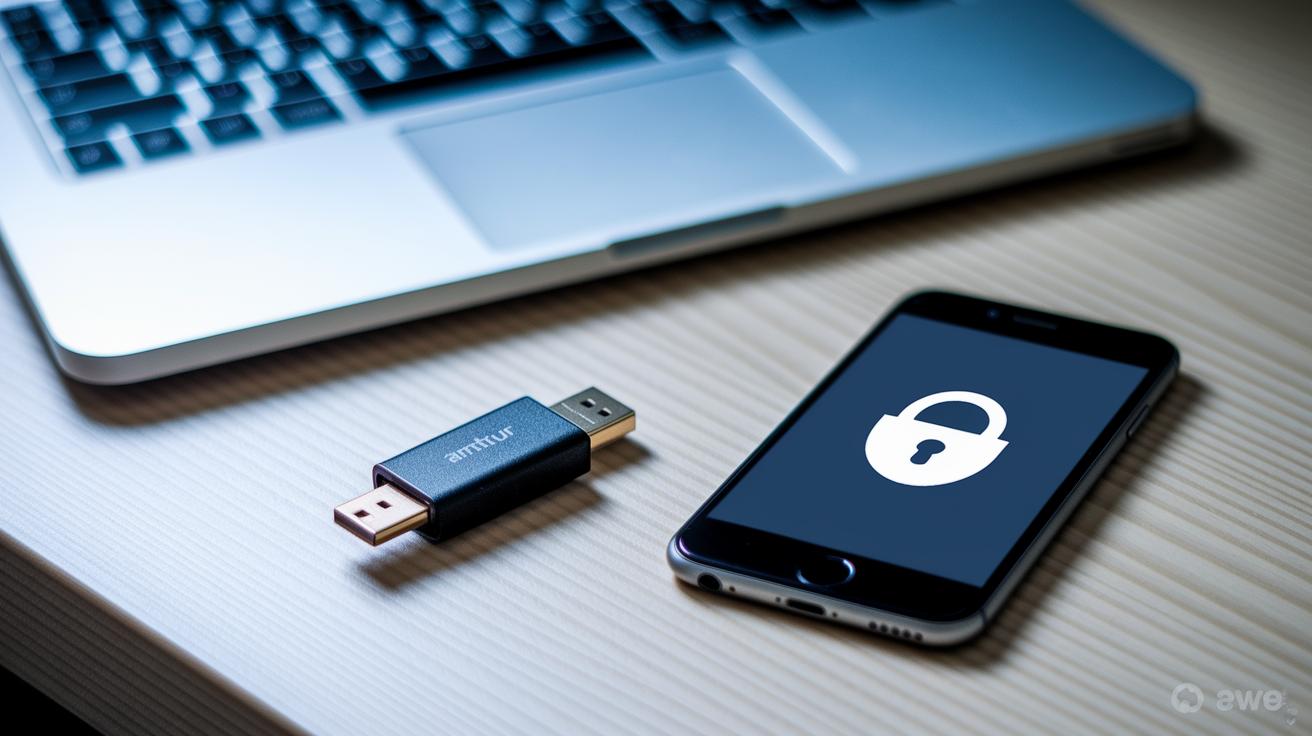
Token-based authentication gives you a fresh, unique code every time you log in. It works alongside your normal password to make it tougher for intruders to get in. Whether you get a physical device or a digital code, each token adds an extra lock to protect your account.
Hardware Token Systems
Hardware tokens are real gadgets, like USB keys or smart cards, that generate a new one-time code for each login. For example, you might need to plug in a USB key or slide a smart card into a reader. Because you have to physically use them, these tokens are a great way to stop remote hackers in their tracks.
Software Token Solutions
Software tokens take a digital approach. Mobile apps might create a time-based code, or you could get an SMS with a one-time password. Sometimes, you even see a push notification on your phone asking you to tap and confirm your login. These methods are quick and easy, although they do rely on your phone or internet connection.
| Token Type | Example | Security Strength |
|---|---|---|
| Hardware Token | USB Key, Smart Card | High |
| Software Token | TOTP App, SMS OTP | Moderate |
| Out-of-Band Verification | Push Notification | High |
Inherence Factors: Biometric Verification in Login Security
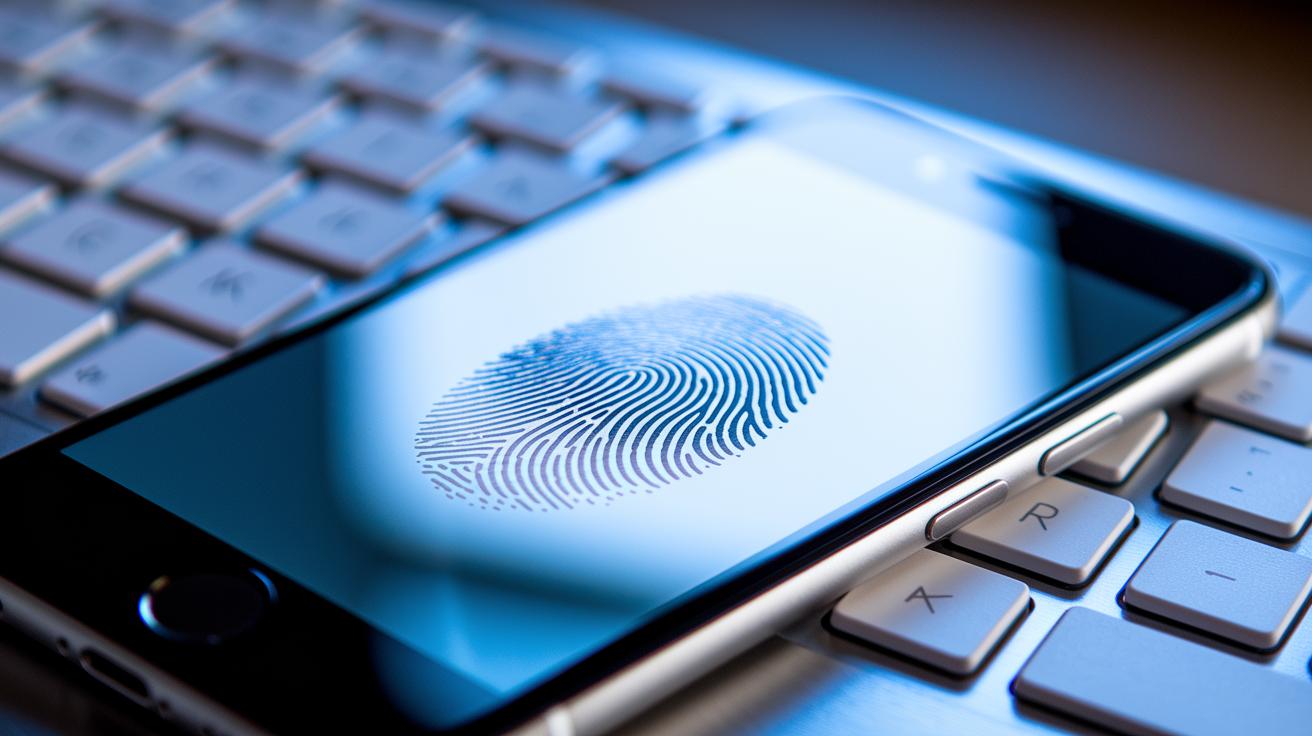
Physiological biometrics use your unique body features like fingerprints, facial details, and retina patterns. They rely on what makes you, you. Fingerprint scans capture those tiny lines and swirls on your skin, and facial recognition picks out the one-of-a-kind shape of your face. It’s like getting a warm, secure welcome every time you log in. Because these features are nearly impossible to fake, attackers find it really tough to trick the system with fake images or replicas.
Behavioral biometrics look at how you use your device. They keep track of things like your typing speed, how you move the mouse, and how you swipe on a screen. These behaviors are personal and change naturally over time. Imagine the system as a watchful friend who notices if you suddenly type slower or move the mouse oddly. Such changes can trigger extra checks, making it much harder for someone else to mimic your behavior and get in.
Sensor integration adds another layer of security but comes with its own challenges. Developers need to make sure that all the data from these sensors is kept safe and private. They must use smart anti-spoofing techniques so that any unusual or suspicious input gets flagged immediately. This careful balance helps keep your experience smooth while still protecting your login process.
Together, these elements work like teaming up your favorite security squad, from your unique physical traits to the little habits you might not even notice. Have you ever wondered if your data is as secure as it could be? With these layers, it’s one step closer to keeping you safe every time you sign in.
Multi-Factor and Adaptive Authentication for Login Security

Multi-factor authentication is like a sturdy digital lock on your online accounts. It asks for two or more proofs of who you are, think of it as a password plus a quick code sent to your phone. Even if someone steals one piece of the puzzle, the extra step keeps your account safe.
Risk-based and adaptive authentication takes this a step further. It watches things like the time you sign in, the type of device you use, or where you are. So if you suddenly try to log in from an unfamiliar device or location, the system might ask you a few extra questions. It’s a bit like having a smart bouncer who checks the vibe before letting you into a party.
Challenge-response workflows add an extra guard at the door. When you log in from a new device, you might get a one-time code or a push notification that asks you to confirm your identity. Sometimes, you might even use your fingerprint. This extra check makes sure that it’s really you at the helm, keeping your digital world secure.
Addressing Risks and Best Practices in Authentication Factor Implementation

When you depend on just one way to prove your identity, like a simple password, you open the door to several risks. Hackers might try guessing your password, tricking you with fake emails, or even hijack an active session if things aren’t managed properly. This is why adding more layers of security is so important.
Companies tackle these threats with smart strategies. They use rate limiting to restrict the number of login tries in a short burst, which makes it much harder for attackers to guess your credentials. They also keep an eye out with systems that detect unusual activity, flagging any signs of trouble early. Encrypting your data both while it’s traveling and when it sits on a server helps ensure that stolen information remains unreadable. Plus, secure session management with automatic timeouts stops attackers from taking over a session. Regular checks on login attempts can even spot warning patterns before a breach gets out of hand.
Experts suggest mixing these techniques with regular reviews of your security setup. Updating your session policies and boosting your authentication factors can really strengthen your defenses against today’s digital risks.
Final Words
In the action, we saw how layered controls like knowledge, possession, and inherence factors work together to protect user accounts. The post broke down simple yet powerful methods, from password strategies to token and biometric verifications, and highlighted best practices to fend off common attacks.
Strong authentication factors and their role in login security help create a safer digital presence. We're excited for you to apply these insights and keep your online world secure.
FAQ
Q: What are authentication factors and how do they secure login?
A: Authentication factors are pieces of evidence used to verify a user’s identity during login. They protect accounts by requiring proof such as passwords, security tokens, and biometric data that make unauthorized access harder.
Q: What are the main authentication factors used in MFA and cyber security?
A: The main authentication factors include something you know (passwords or PINs), something you have (hardware or software tokens), and something you are (biometrics). These elements combine to fortify security in multi-factor setups.
Q: Can authentication systems include more than the traditional three factors?
A: While the traditional model focuses on three factors, some systems add extra elements like location or behavioral patterns to improve protection against sophisticated attacks.
Q: How do Microsoft Authenticator, Google Authenticator, and related services contribute to login security?
A: Microsoft Authenticator, Google Authenticator, and similar tools provide time-sensitive codes and push notifications as second-factor checks in MFA, helping to block unauthorized sign-ins and secure access.
Q: What does the inherence factor include in authentication processes?
A: The inherence factor involves biometric attributes, such as fingerprints and facial recognition, which verify identity based on unique physical characteristics, offering a robust defense against impersonation.