

Have you ever wondered how secure your online world really is? Think of your account like the only door to your personal space, you wouldn’t leave your front door open, right?
In this chat, we share easy steps to make your online space tougher for intruders. Use strong, unique passwords and take advantage of extra sign-in checks to keep unwanted guests out. With these simple tips, you can relax knowing your digital space stays safe every time you log in.
Core Account Security Practices to Protect Your Digital Identity
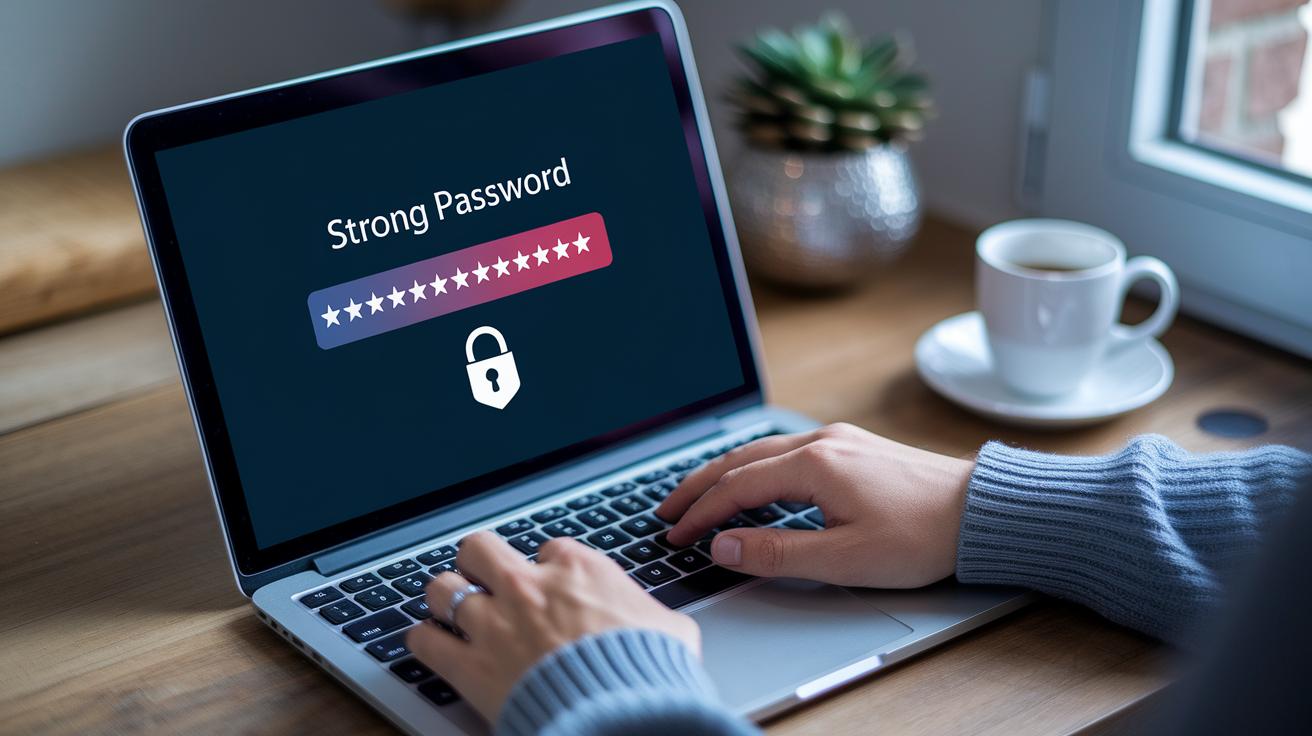
Think of your online account as the front door to your digital world. Keeping that door secure means only the people you trust get in, and your sensitive information stays safe.
When you're in charge, you decide who sees your details. By setting up smart security steps, you stop unwanted visitors before they even try the handle. It's like building a lock that only you hold the key for.
- Create strong, unique passwords. They should be at least eight characters long with a mix of numbers, letters, and special symbols.
- Turn on extra checks like multifactor authentication. This adds another layer of security to your account.
- Use security checkup tools often to see active sessions and review your login history.
- Keep your login details just for you. Sharing them can open the door to vulnerabilities.
- Use remote logout options to sign off from devices you no longer use.
By putting these tips into practice, you build a sturdy shield for your digital space. These easy steps boost your security and give you peace of mind every time you log in. When you take account security seriously, your online world stays private and protected, a solid foundation for your digital identity.
Strong Passwords and Password Managers for Enhanced Account Security
Think of your password like the lock on your front door, it needs to be tough and reliable. A good password has at least eight characters and mixes letters, numbers, and special symbols. For example, "D3f!n3dP@ss" throws in different character types to keep unwanted eyes guessing.
- Easy-to-use interface so you can work smoothly
- Encrypted storage that keeps your passwords hidden from prying eyes
- Automatic updates that remind you when it’s time for a change
- Secure session handling to keep your login details safe
- Simple guidance for setting up recovery options if you forget your password
- Reliable backup measures that protect your credentials in emergencies
Switching up your credentials regularly and keeping backup copies with a solid password manager adds another safe layer. Many sites now offer built-in password management tools, making it easier to create a different passcode for each account. They even alert you if you reuse a password, so you can update it before any weak link gets exploited. Using these smart habits not only defends your digital footprint but also stops unauthorized users from sneaking into your personal data. Just like changing your smoke alarm batteries now and then, updating your passwords and backing them up keeps your online world secure.
Implementing Two-Factor and Multifactor Authentication for Account Security
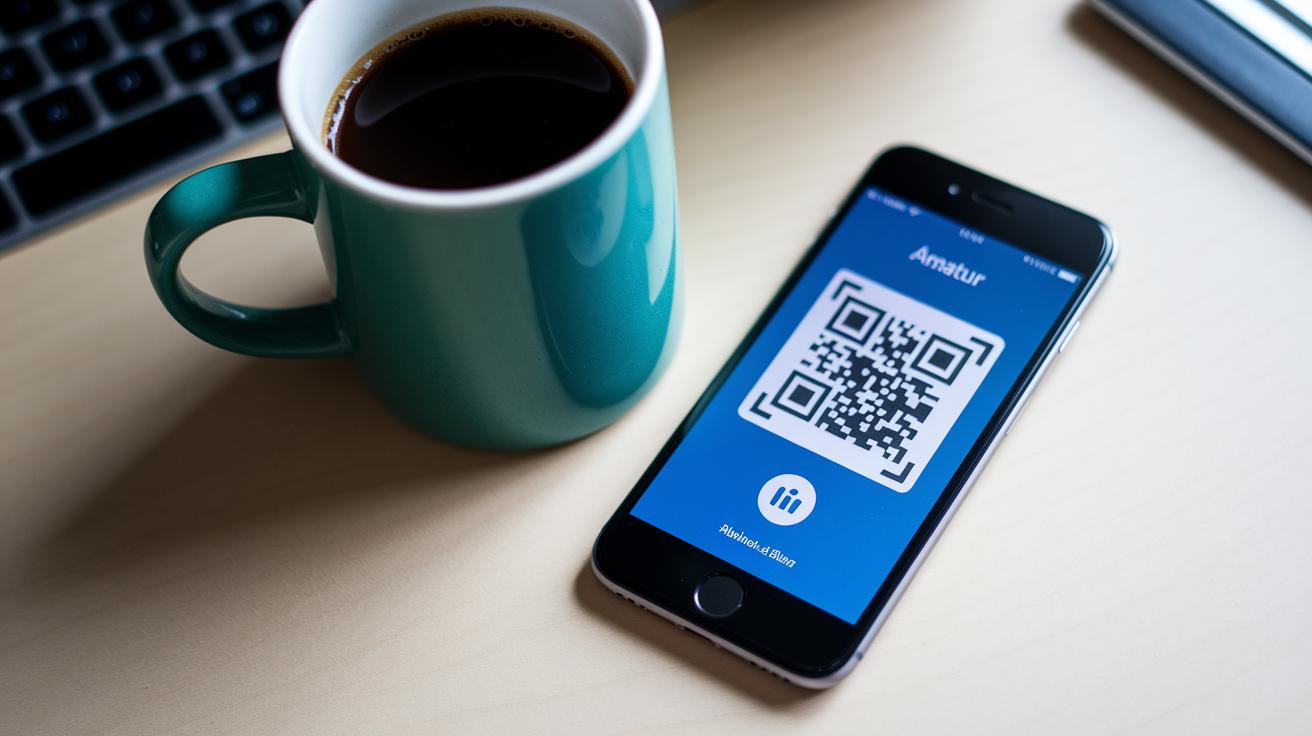
Adding multifactor authentication is like giving your online account a double-lock. After you enter your password, you need a second check, maybe a quick code, a text, or even a special gadget, to prove it’s really you. Even if someone figures out your password, they’ll have a hard time breaking through the extra barrier. And if a login comes from an unfamiliar location or device, you'll get a friendly alert to check things out immediately.
App-Based Authentication
Authenticator apps create a unique, short-lived code every time you sign in. To set it up, you simply scan a QR code and confirm the link with your account. Since each code only works for a brief moment, it’s nearly impossible for someone else to reuse it.
SMS and One-Time Passcodes
With SMS verification, a one-time code is sent directly to your mobile phone. You start by verifying your phone number, and then each login attempt is secured by a fresh code. It’s a straightforward method, but remember to keep your phone number secure and up to date to prevent any unwanted surprises.
Hardware Tokens and Biometrics
Hardware tokens, like USB devices, or biometric methods such as fingerprint or facial recognition, offer another strong option. These methods need either a physical item or a unique part of you to verify that it's really you accessing your account. This extra layer adds even more protection to your online identity.
All these techniques work together to form a solid defense. Each login is checked in multiple ways, which significantly lowers the risk of someone getting in without permission.
Phishing Deterrents and Breach Prevention Strategies in Account Security
Phishing is still a major threat online. Scammers use crafty messages that look just like real ones to trick you into sharing personal information. They play on our natural instinct to help or react quickly, which creates chances for hackers to steal data. When you know how these tricks work, you can protect your account better.
The first step is to stay alert about the messages you receive. If an email or text comes from an unknown sender or has too-good-to-be-true offers, take a closer look. Watch for signs like urgent language or unexpected details. By reading email addresses carefully and checking information through trusted sources, you lower your chances of falling for these scams. And with regular tips and training, you’ll sharpen your skills even more.
On the tech side, strong defenses work together to catch phishing attempts before they even reach your inbox. Tools like spam filters, systems that stop intrusions, and fraud detection measures act as layers of protection against malware and unauthorized access. They keep a close watch on incoming data and flag anything out of the ordinary. By combining these technical safeguards with your own caution, you add an extra barrier that keeps your account secure even when one part might be weak.
Continuous Monitoring Systems and Login Alerts for Account Security
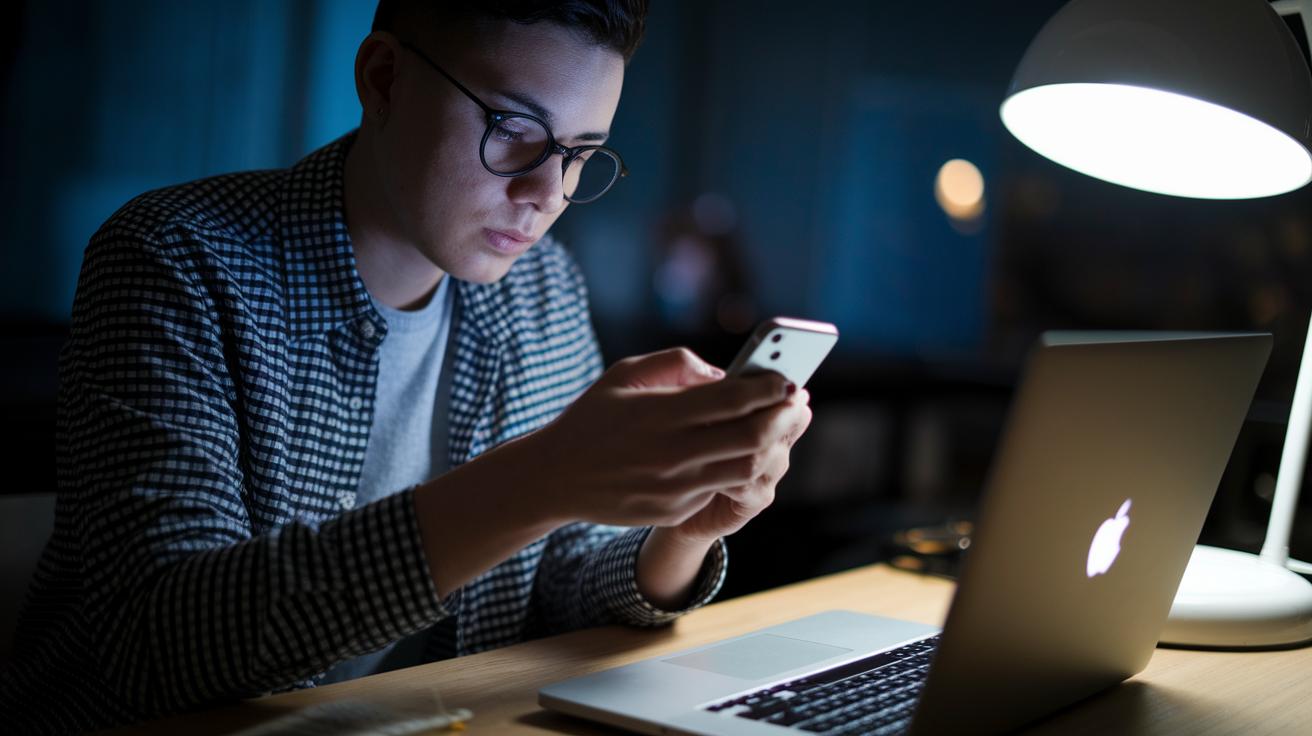
Keeping an eye on every login try is super important for protecting your digital space. Continuous monitoring spots strange activity right away, giving you that early heads-up when something seems off.
Real-time alerts let you know instantly if a new or unexpected device is trying to get in. You’ll see details like device type, the time of the login, and even where it’s coming from. Whether it’s a quick push notification or a message in your app, you get the info you need so you can stay on top of things. Extra safeguards like behavioral analysis help you understand the situation and stay prepared.
When an alert pops up, it’s time to act fast. Check your login history to review recent sessions and sign out of any unrecognized devices immediately. Quick investigations with security tools, along with session time limits, help stop unauthorized access on the spot while keeping your account secure.
Account Recovery and Incident Response Planning for Account Security

When your account starts acting up, your incident response plan is your safety net. It’s there to help you quickly secure your online identity when things feel off.
If you notice strange activity, like logins from unfamiliar places or sudden changes to your settings, don’t wait. Report anything odd right away. Flag any fake or compromised profiles, and let the platform know using their support channels. Imagine a situation where an unknown device logs in late at night, alerting support instantly can stop further breaches and bring in the experts to investigate.
Next, focus on getting back control. Use any recovery codes you have, or contact the platform’s emergency support for help. You might get a recovery code via email or text that confirms it’s really you. Follow the steps provided to reset your password and lock down your account, just like securing your front door with a new lock.
Finally, keep an eye on your account history. Check your session logs and active login details to make sure everything looks right. Regularly reviewing these logs gives you peace of mind and helps ensure that your account remains secure after any incident.
Device Protection and Secure Connection Protocols for Account Security
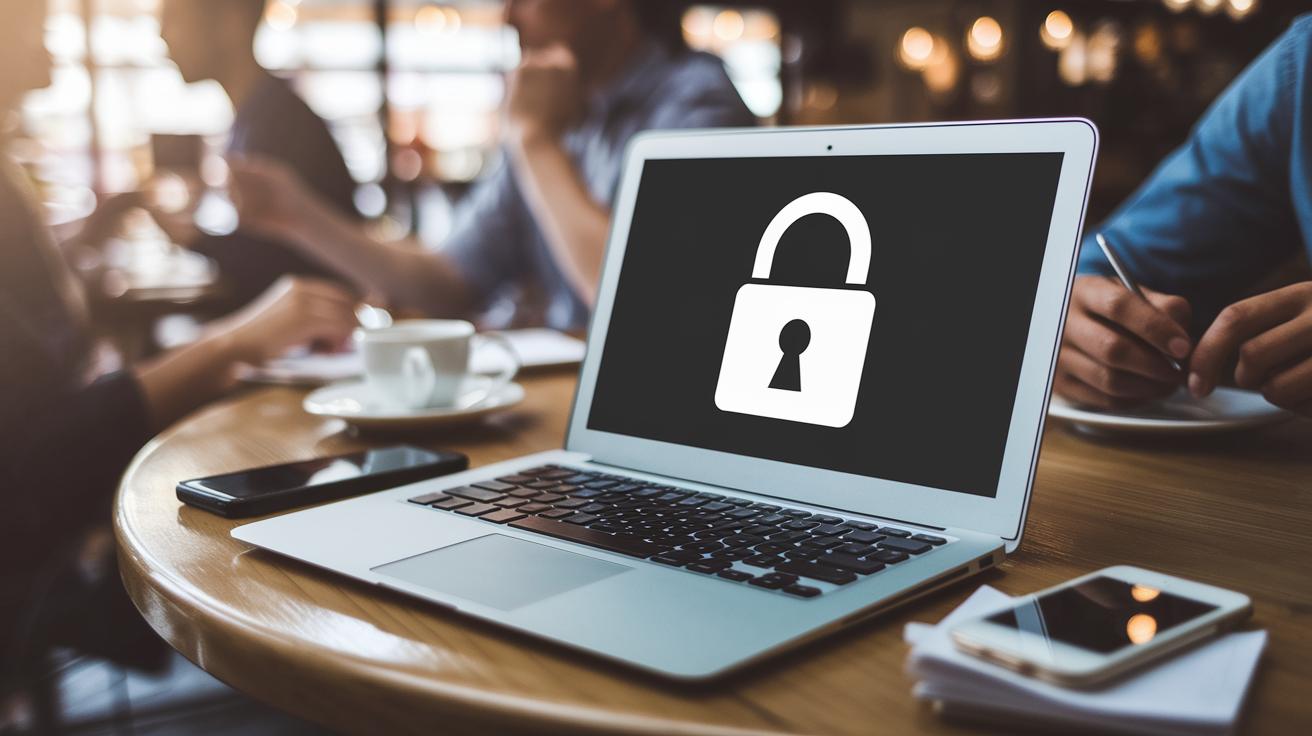
When you connect to public Wi-Fi in places like coffee shops or airports, your data can be at risk. These networks may not be secure, leaving details like login names and passwords open to capture by unwanted intruders. Even your devices can be weak links if they aren’t well protected. Without regular updates and secure settings, smartphones and laptops can easily allow unauthorized access.
Securing Your Network Connection
Using a virtual private network, or VPN (a tool that creates a private, secure path for your data), is like building a secret tunnel for your online activity. It makes it a lot harder for anyone to eavesdrop. A firewall acts like a gatekeeper, screening out any suspicious traffic that might try to get in. Meanwhile, encrypted channels twist your data into a scrambled mess so that even if someone intercepts it, they cannot understand it. Together, these measures make public networks much less attractive to would-be digital intruders.
Hardening Your Device
It’s important to use endpoint protection software that keeps an eye out for any dodgy programs or malware trying to sneak onto your device. Simple actions like setting up a PIN or using your fingerprint can add extra layers of safety. Regularly updating your operating system with automatic updates helps close off any security gaps, too. And if you use remote access protection and cloud storage safeguards for your sensitive files, you'll build a strong shield around your personal data. All these steps work together to keep your devices safe from common threats and unauthorized access.
Final Words
In the action of bolstering digital safety, we explored core account security practices, from strong passwords and multi-factor checks to phishing deterrents, continuous monitoring, and clear recovery plans. Each step helps you keep control of your online world.
Taking these measures builds a steady shield that stands against risks. With account security as your foundation, you can face digital challenges with confidence and step forward into a safer online future.
FAQ
What is account security?
Account security means safeguarding your personal data through measures like strong passwords, multifactor authentication, and monitoring your account activity to block any unauthorized access.
How do I make sure my account is secure?
Making sure your account is secure involves regularly updating your password, enabling multifactor verification, and checking your login activity to catch any unfamiliar access quickly.
How do I maintain Google account security and manage my password?
Maintaining Google account security means using a unique, strong password, turning on two-factor authentication, and reviewing alert notifications to promptly manage any issues with your account.
How do I find account security settings on my iPhone?
Discovering account security on your iPhone usually requires opening Settings, tapping your Apple ID, and checking options like two-factor authentication to help protect your personal information.
How do I secure my email, app, and Facebook accounts?
Securing your email, app, and Facebook accounts means using unique, strong passwords, activating two-factor authentication, and regularly reviewing your account activity to spot any unusual access.
What are the four types of security for online accounts?
The four types of security measures commonly include password-based protection, multifactor authentication, biometric verification, and the use of security questions, each helping to keep your account safe.