
Ever think that one weak password could put your entire digital world at risk? Cybercrime is on the rise, and keeping your online account secure has never been more important. Picture your account as the front door to your home – if it isn’t locked tight, unwanted visitors might sneak in. Our guide walks you through how to create strong passwords and add extra steps to protect your data. Get ready to learn practical tips that can turn your account into a safe fortress against cyber threats.
Fundamental Steps to Secure Your Online Account
In 2024, the FBI recorded more than 859,000 cybercrime complaints in the U.S., and losses topped $16.6 billion, marking a 33% rise from the year before. These numbers show that cyber threats are growing fast. Single sign-on accounts bring convenience, but they also give hackers an attractive target. One breach can expose all linked services, which is why strong account security is a must. For a deeper look at these issues, check out our guide on account security.
Taking care of your online accounts is essential. You can’t rely only on your service provider's security measures. Use strong and unique passwords, keep an eye on your account activity, and add extra verification layers whenever you can. Think of these steps as a barrier that stops unauthorized access. Even if one account is compromised, your other services will stay protected. In a nutshell, securing your account means taking a hands-on approach to build a personal shield against evolving cyber threats.
Secure Your Online Account with Strong Passwords
Strong passwords are the first step to keeping your online accounts safe. Every time you log in using a tough-to-guess code, you make it much harder for hackers to break through. Avoiding common number sequences like "1234" or dates like birthdays means your personal data stays under lock and key. Think of your password as the key to your home; if it's too simple, unwanted guests can easily slip in.
- Use at least 12 characters with a mix of uppercase and lowercase letters, numbers, and symbols.
- Steer clear of everyday words, sequential numbers, and repeated characters.
- Create a unique password for each account.
- Change your passwords regularly, especially after any odd or suspicious activity.
- Use simple strength-check tools in your security software to make sure your password is solid.
Password managers make life a lot easier. They can create and store complicated, long passwords for you so you don't have to remember each one. With these tools, you reduce the risk that a single breach could expose all your accounts. It's like having a digital vault that keeps your keys safe, saving you time while adding extra security.
Secure Your Online Account Using Multi-Factor Authentication
Multi-factor authentication, or MFA, acts like a double lock for your account. Instead of relying on just one password, you verify your identity with two or more factors. So even if someone figures out your password, they’d still need an extra code sent to your phone to get in.
Many services today offer MFA in several ways: you might receive an SMS code, use an authenticator app, or even rely on a hardware token. Big names like Gmail, Evernote, and Dropbox all offer these options, letting you pick what fits best into your daily routine. For bank accounts like Charles Schwab, setting up MFA is especially smart because it can alert you immediately if there’s an attempt to access your account.
It’s a clever move to activate MFA on accounts that hold sensitive data or money. This extra step serves as a robust defense, making unauthorized access much harder. Plus, by checking your account settings and subscribing to alerts, you keep an eye on any unusual login attempts, ensuring your online world stays secure.
Secure Your Online Account with Account Recovery Options
Make sure your backup email addresses and phone numbers are always up to date. When you forget your password or notice something odd, these extra contacts help you quickly reset your password so you can get back online.
When setting up security questions, choose answers that aren't easy to guess. Use details only you know instead of hints obvious from public info. This extra step makes it much harder for someone else to break in.
Sign up for breach alerts to stay in the loop. If you get a warning, check your recovery settings and update your password right away. It's like having an early warning system that helps protect your digital world.
Secure Your Online Account Against Phishing Attacks
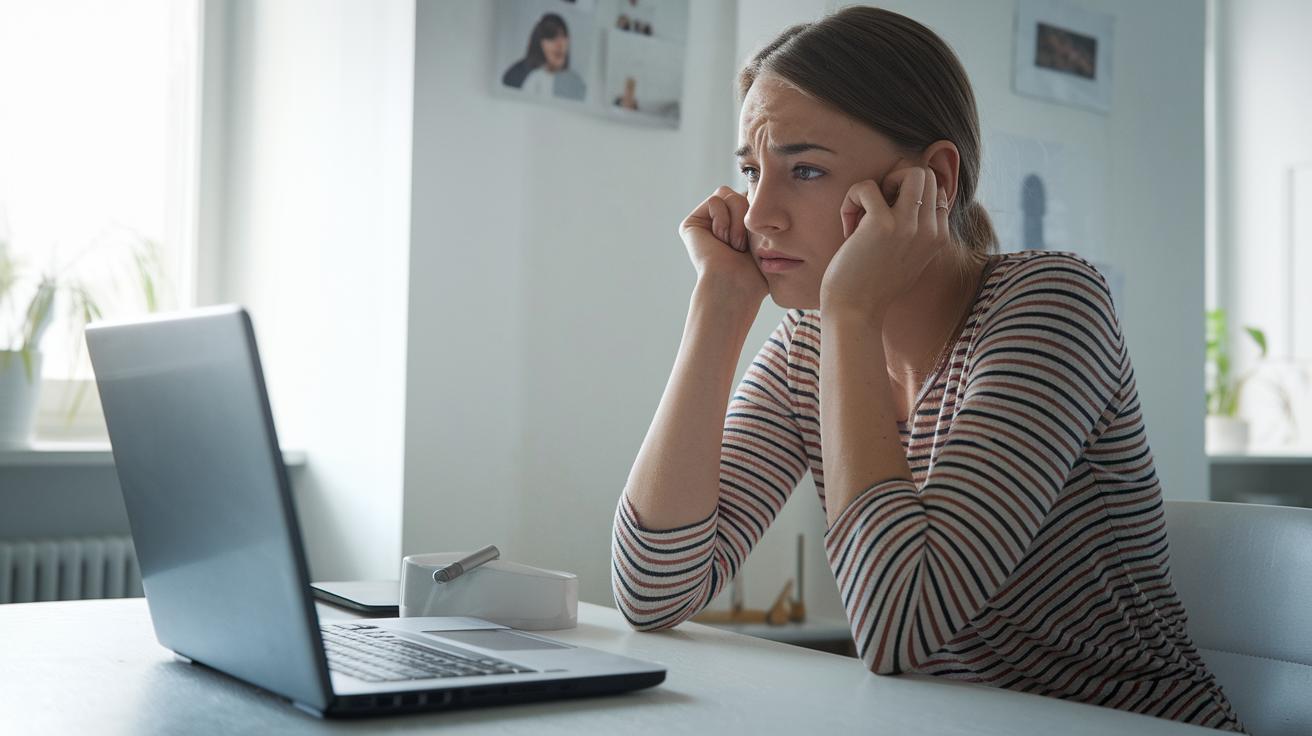
Phishing scams try to trick you by pretending to be real messages from trusted sources like banks or social sites. They use familiar logos and urgent language to make you act quickly. For example, you might get a note saying, "Your account needs immediate attention. Click here to fix it." It can feel confusing and push you to click without thinking.
To protect your account, take a moment and check every detail. Hover over links to see the real web address before clicking, much like checking the return address on a letter. If something seems off, trust your gut. Remind everyone at home, from kids to grandparents, to verify unexpected alerts with a known source. These simple steps help keep your information safe from unwanted attacks.
Secure Your Online Account with Advanced Security Tools
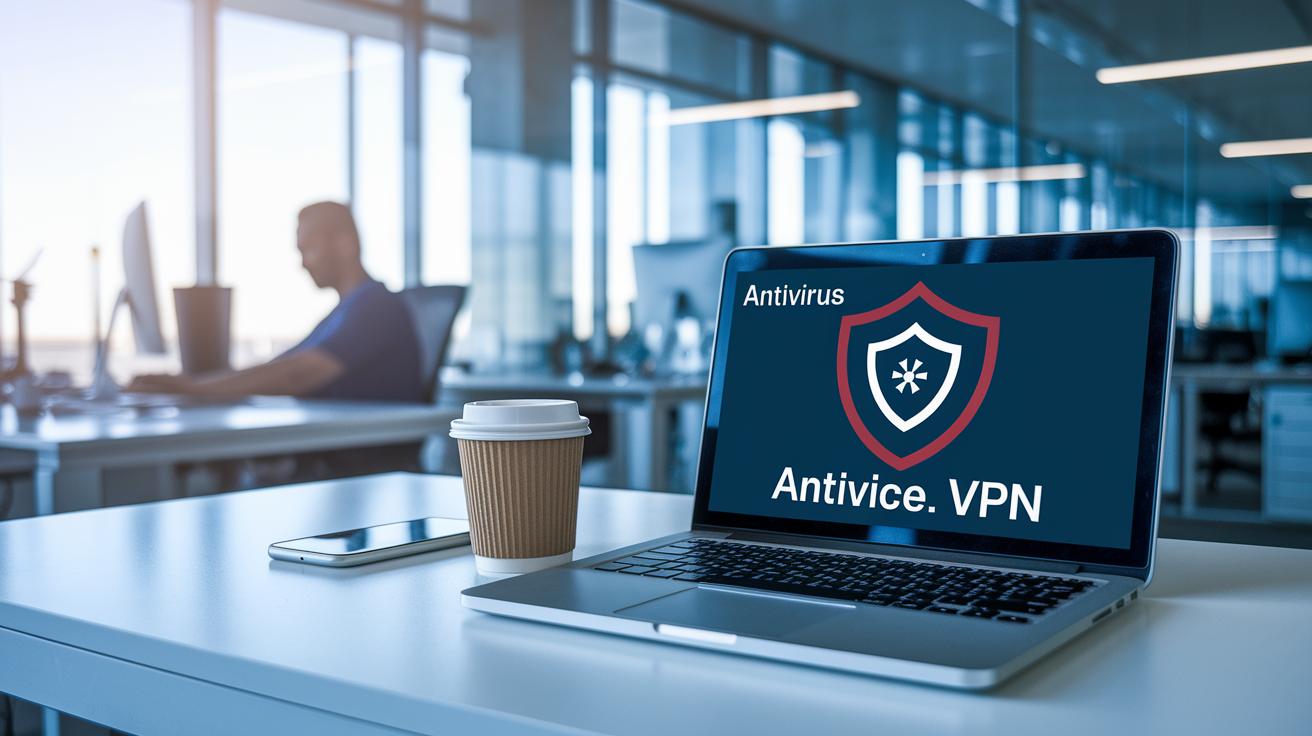
Keep your digital life safe with a few simple tools. Start with antivirus software that renews automatically, like Sophos Home Premium, which helps keep viruses, ransomware, and bots at bay. Encryption protects the data stored on your computer by scrambling it so only you can read it. Meanwhile, continuous network monitoring watches your data in transit, catching anything unusual before it grows into a big problem. Regular updates and malware scans add extra layers of defense, making sure every part of your system is ready to fend off digital threats.
When you connect to public or unfamiliar Wi-Fi, a VPN (virtual private network) is a must-have. A good VPN scrambles your network traffic, keeping your online activity private and stopping prying eyes from getting your personal details. This means that whether you're at a coffee shop or a hotel, your account stays protected by a trusted VPN service. Using tools like these not only stops attackers but also gives you a clear picture of your overall digital safety, so you can spot and fix problems fast.
| Tool | Purpose | Recommendation |
|---|---|---|
| Antivirus Software | Scans for and stops malware, ransomware, and bots | Set to auto-renew for ongoing protection |
| VPN Service | Encrypts your connection on public Wi-Fi | Use on all new or unfamiliar networks |
| Disk Encryption | Keeps your stored data safe from unauthorized access | Encrypt your whole disk regularly |
| Network Monitoring | Keep an eye on unusual activity in your network | Set up continuous monitoring |
Secure Your Online Account Through Monitoring and Updates
Keeping your operating system and apps updated is key to protecting your online account. Updates bring important fixes that close off security gaps and help your system fend off attacks. Think of it like a regular checkup for your digital locks, keeping every part safe and your software fresh.
Sometimes, a little extra effort goes a long way. Clearing your browser cache and fine-tuning your home network settings can really lower your risk. A 2023 survey showed that nearly one in three smart homes with 30 or more devices experienced several breaches in just one year. By routinely wiping browser caches, deleting cookies, and adjusting router settings, you make it much tougher for an intruder to find useful data.
Staying alert is another step in the right direction. Signing up for fraud alerts and checking your free annual credit reports can help you catch strange activity early. Trust your gut when something doesn’t seem right, and take time for a regular security check on your account. Together, these habits keep your digital life safer, letting you spot and handle any issues before they become big problems.
Final Words
In the action, we explored solid password creation, multi-factor authentication, reliable recovery options, phishing checks, advanced security tools, and timely updates, all essential to protect your digital space. Recent cybercrime stats remind us that owning your security matters. Each step aims to build stronger defenses against online threats, paving the way to a safer digital life.
This guide shows how to secure your online account while keeping your data and privacy priorities in check. Embrace these tips and stay confident in your digital journey.
FAQ
How do you secure your Gmail account from hackers?
Securing your Gmail account starts by using a unique, strong password and turning on multi-factor verification. This approach also involves keeping recovery options updated and being cautious of unexpected emails.
How do you secure your Facebook account from hackers?
Securing your Facebook means using a strong password, enabling two-step verification, and reviewing your privacy settings. Regularly checking login activity helps detect and block any unauthorized access.
How do you protect your personal information both online and on social media?
Protecting personal information involves tightening privacy settings, using robust passwords, and staying alert to suspicious activity. Regular updates and careful sharing of details across platforms help keep your data safe.
What are some ways to protect your personal data?
Protecting personal data means choosing distinct passwords, enabling multi-factor authentication, keeping recovery information current, updating security software, and being mindful of phishing attempts, among other smart practices.
What is the best way to secure and maintain your online accounts?
Securing and maintaining your online accounts is best achieved by updating passwords regularly, activating multi-factor authentication, monitoring activity, and keeping recovery contacts current. This multi-layer approach reduces the chance of breaches.
How do you ensure your online banking is secure?
Ensuring your online banking is secure means using strong, unique login details, enabling two-step verification, and accessing accounts over secure networks. Staying informed about account alerts also helps protect your financial information.